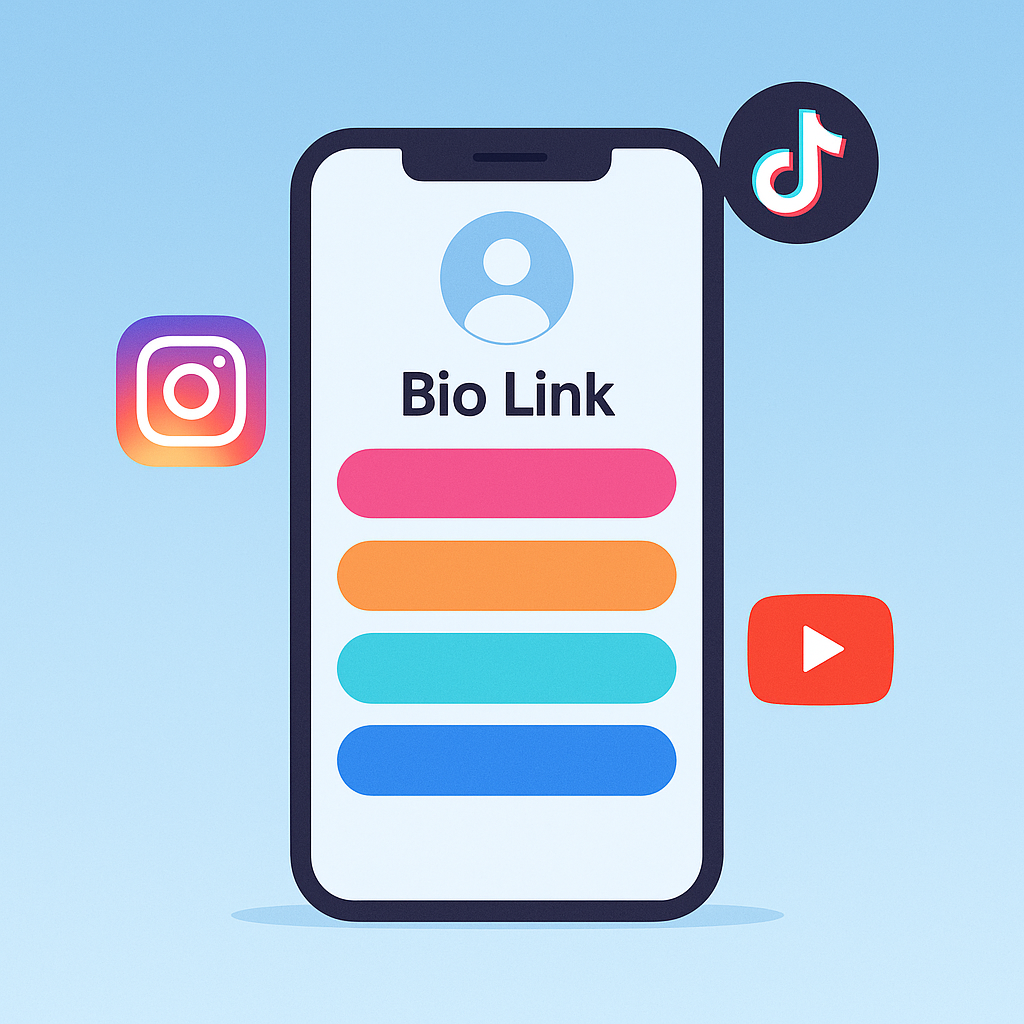
7 Effective Tips for Using Link in Bio: Easily Increase Traffic from Social Media
Created on 29 April, 2025
• Link in Bio Tips
•
1 minutes read
Introduction:
In today’s digital age, “Link in Bio” has become a unique opportunity for a content creator or business – the ability to include everything in one link. But it’s not just about putting a link; it’s about how to optimize it. Today, we’ll learn 7 tips to make your Bio link more effective.
✅ 1. Use a clean and mobile-friendly design
Mobile users are now the largest. So make sure your Bio link page loads quickly and is easy to navigate.
👉 Biolnk.click’s templates work great for this.
✅ 2. Avoid too many links
10 links at once confuse the viewer. Focus on the most important 3–5 links.
✅ 3. Use clear calls-to-action (CTAs)
Put clear and action-oriented text under each link, such as:
“Watch my course”, “Download”, “Watch the video”.
✅ 4. Add a link icon or thumbnail
An eye-catching icon or image increases CTR (Click Through Rate).
✅ 5. Use Google Analytics or Click Tracking
Biolnk.click allows you to track clicks, which will help you understand which links are getting more traffic.
✅ 6. Update regularly
When your content is updated, update the Bio link as well. Old offers or broken links annoy visitors.
✅ 7. Bring traffic from offline using QR codes
Those who want to put a Bio link on business cards, posters or events can use QR codes to bring traffic.
Conclusion:
A beautiful and strategically designed Bio link not only brings you visitors, it also increases your brand value. So apply these tips to perfectly decorate your Biolnk page.